
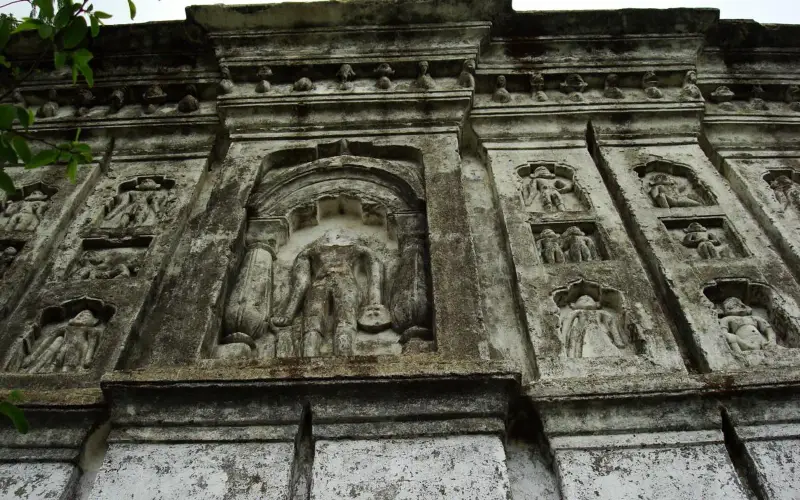
स्वागत आहे · वर्धा जिल्हा Aapla Wardha · Maharashtra
Everything in Wardha, in one place
🎤 Tap the mic and say what you need माइक दाबा आणि काय हवे ते सांगा
Services सेवा
All › Hallsमंगल कार्यालय
 Doctorsडॉक्टर
 Repairsदुरुस्ती
 Foodजेवण
 Farmingशेती
 Educationशिक्षण
 Shopsदुकाने
 Transportवाहतूक
Today आज
More ›Quick help झटपट मदत
Today in Wardha
⚠️ Report✅ Nothing here yet.
More services · आणखी सेवा
Every shop, service and office — with call, WhatsApp and map.
 Daily needsरोजच्या गरजा
 Construction & materialsबांधकाम, साहित्य
 Vehicles & garagesवाहने आणि गॅरेज
 Real estate & rentalsप्रॉपर्टी आणि भाडे
 Weddings & eventsलग्न आणि कार्यक्रम
 Beauty & fitnessसौंदर्य आणि फिटनेस
 Hotels & staysहॉटेल आणि निवास
 Made in Wardhaस्थानिक उत्पादने
 Professionals & financeव्यावसायिक आणि वित्त
 Citizen servicesनागरी सेवा
 Worship & communityप्रार्थनास्थळे, समाज
 Ask Wardha
 Your next opportunity
 Jobsनोकऱ्या
Aapla Wardha · वर्धा जिल्हा
Wardha is known for
The pride of Wardha, Maharashtra.
Fresh in Wardha today
Nothing here yet. Post the first one.
Explore Wardha
Plan a trip →Wardha district is in the state of Maharashtra in western India. This district is a part of Nagpur Division. The city of Wardha is the administrative headquarter of the district. Hinganghat, Pulgaon, Arvi and Wardha are the major cities in the District. The District had a population of 1,300,774, of which 26.28% were u…
Get your business online in 10 minutes
Just tell us your business name and type — your site is ready instantly. Add photos from your phone. No technical knowledge needed.
- Your own site: name-wardha.mydistrict.in
- Bookings, menus or appointments
- WhatsApp, call and map buttons
- UPI payment details & QR poster
- Listed in the MyDistrict app
- Visitor and enquiry reports
Your district in your pocket
Add MyDistrict to your home screen — it works like an app, even on slow networks. Business owners manage their site, bookings and enquiries from the same app.