
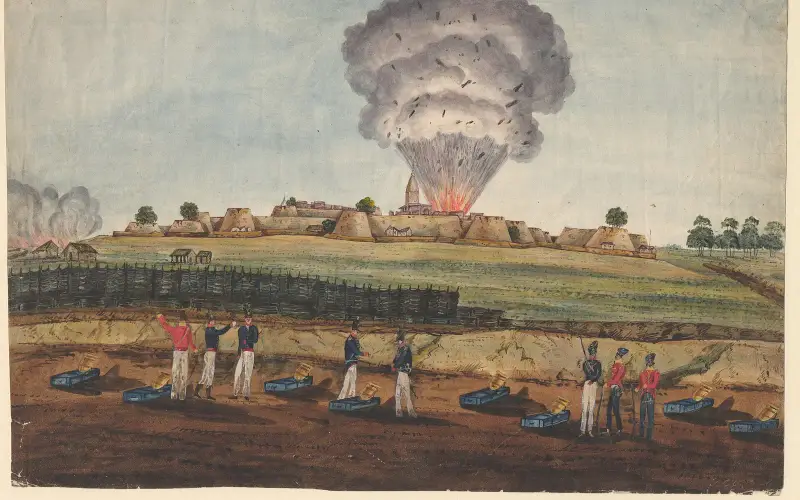
स्वागत है · हाथरस जिला Apna Hathras · Uttar Pradesh
Everything in Hathras, in one place
🎤 Tap the mic and say what you need माइक दबाएँ और बोलें आपको क्या चाहिए
Services सेवाएँ
All › Hallsशादी हॉल
 Doctorsडॉक्टर
 Repairsमिस्त्री
 Foodखाना
 Farmingखेती
 Educationपढ़ाई
 Shopsदुकानें
 Transportपरिवहन
Today आज
More ›Quick help तुरंत मदद
Today in Hathras
⚠️ Report✅ Nothing here yet.
More services · और सेवाएँ
Every shop, service and office — with call, WhatsApp and map.
 Daily needsरोज़मर्रा की ज़रूरतें
 Construction & materialsनिर्माण, सामग्री
 Vehicles & garagesवाहन और गैराज
 Real estate & rentalsप्रॉपर्टी और किराया
 Weddings & eventsशादी और कार्यक्रम
 Beauty & fitnessसौंदर्य और फ़िटनेस
 Hotels & staysहोटल और ठहरने की जगह
 Made in Hathrasस्थानीय उत्पाद
 Professionals & financeपेशेवर और वित्त
 Citizen servicesनागरिक सेवाएँ
 Worship & communityपूजा स्थल, समुदाय
 Ask Hathras
 Your next opportunity
 Jobsनौकरियाँ
Apna Hathras · हाथरस जिला
Hathras is known for
The pride of Hathras, Uttar Pradesh.
Fresh in Hathras today
Nothing here yet. Post the first one.
Explore Hathras
Plan a trip →Hathras district is a district of Uttar Pradesh state of India. The city of Hathras is the district headquarters. Hathras district is a part of Aligarh division. The district occupies an area of 1,840 square kilometres (710 sq mi) and has a population of 1,564,708 as of the 2011 census.
Get your business online in 10 minutes
Just tell us your business name and type — your site is ready instantly. Add photos from your phone. No technical knowledge needed.
- Your own site: name-hathras.mydistrict.in
- Bookings, menus or appointments
- WhatsApp, call and map buttons
- UPI payment details & QR poster
- Listed in the MyDistrict app
- Visitor and enquiry reports
Your district in your pocket
Add MyDistrict to your home screen — it works like an app, even on slow networks. Business owners manage their site, bookings and enquiries from the same app.